Tuta Secure & Private Mail Clone Script | Encrypted Email App Development

Launch a next-generation secure email platform like Tuta Mail that prioritizes privacy, encryption, and user freedom.

 Overview of OFX clone app features for global transfers

Overview – Tuta Mail Clone App Development

The Tuta Mail Clone Script is a privacy-centric email application built with end-to-end encryption for emails, contacts, and calendars. Designed to eliminate tracking, profiling, and data misuse, this solution empowers users with anonymous sign-up, encrypted storage, and secure communication across devices. It is ideal for privacy-first startups, enterprises, journalists, activists, legal professionals, and organizations operating under strict data protection requirements.
Why Choose Our Tuta Mail Clone Script?

Complete End-to-End Encryption

Entire mailboxes, contacts, and metadata are encrypted so only users can access their data.

Zero Tracking & Profiling

No ads, no analytics tracking, and no behavioral profiling of users.

Anonymous Account Creation

Users can sign up without phone numbers or personal identifiers.

Open-Source Inspired Architecture

Transparent security design built for independent audits and trust.

Cross-Platform Synchronization

Seamless sync across mobile, web, and desktop applications.

Scalable Business-Ready Platform

Designed to support individual users, teams, and enterprise environments.

Key Features of Tuta Mail Clone App

End-to-End Encrypted Email & Contacts

All emails, attachments, and contacts are encrypted at rest and in transit, ensuring absolute confidentiality

Anonymous Registration & Secure Login

Users can create accounts without revealing personal details, enhancing privacy.

Encrypted Full-Text Search Search inbox content securely without compromising encryption or privacy.

 Overview of OFX clone app features for global transfers
 Overview of OFX clone app features for global transfers

Offline Email Access

Access encrypted emails even without an active internet connection.

Intuitive Inbox Management

Swipe gestures, folders, and archive options make email handling effortless.

Light & Dark Mode Interface

Clean, minimal UI with accessibility-friendly themes.

What We Deliver with Proton Mail Clone

User Email & Calendar Application
A fully encrypted mail and calendar app with modern UI.
Admin Dashboard
Centralized control for user management, policies, and system monitoring.
Encryption & Key Management System
Client-side encryption ensuring zero server access to user data.
Spam & Threat Protection Engine
Smart filtering to block phishing, malware, and tracking attempts.
Subscription & Monetization Module
Supports free and premium plans with flexible pricing models.
 Overview of OFX clone app features for global transfers

Application UI flow

Patient Engagement App Splash Screen

Splash Page:

When you launch the app, it displays a branded splash screen, which provides a visually appealing introduction.

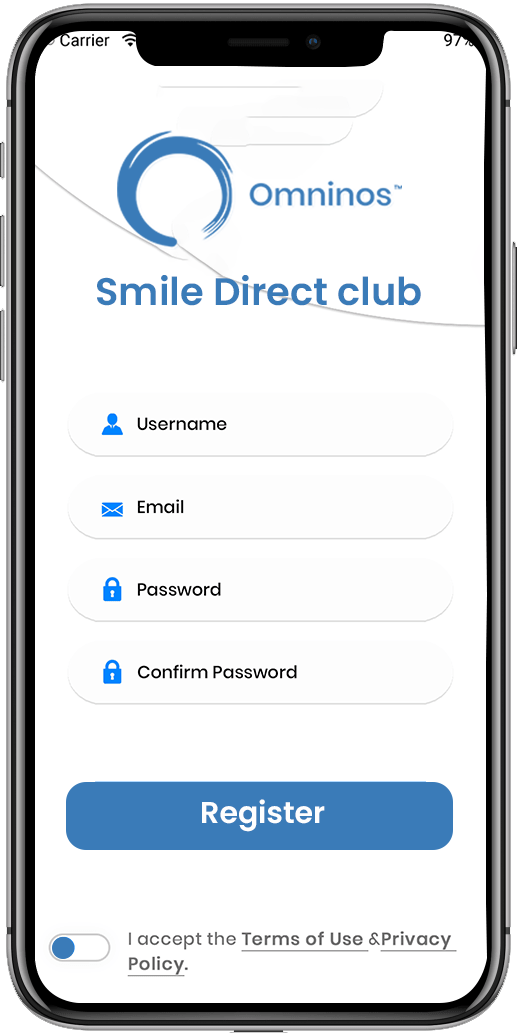
Sign-up / Login:

Users are given the option of creating a new account or logging into an existing one. New users can register by entering their personal information, contact information, and pertinent dental history. Existing users can log in with their credentials.

Secure Patient Login Screen
Patient Dashboard Overview

Onboarding Tutorial:

New users are led through a quick onboarding tutorial to become acquainted with the app's features and functionalities.

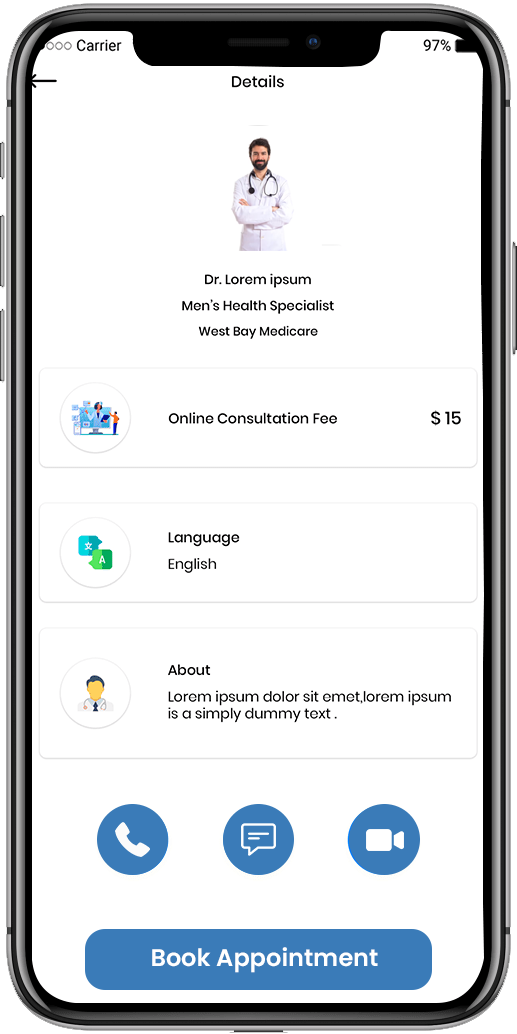
Doctor Details:

Physicians should fill in the correct details about his or her specialty, experience, education and more.

Doctor Profile Details Screen
Video Consultation Feature for Patients

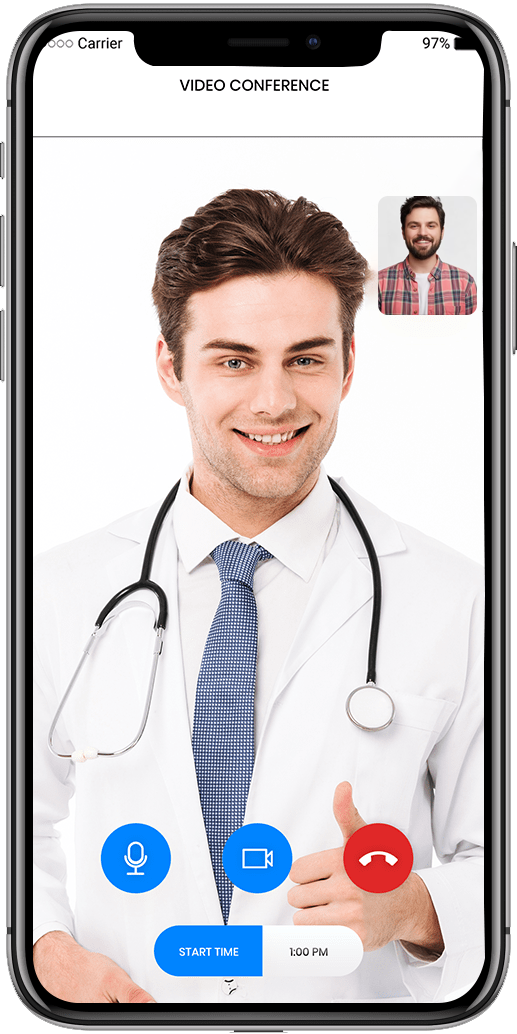
Video meeting:

The option to save or download consultations can aid in the tracking of treatment progress.

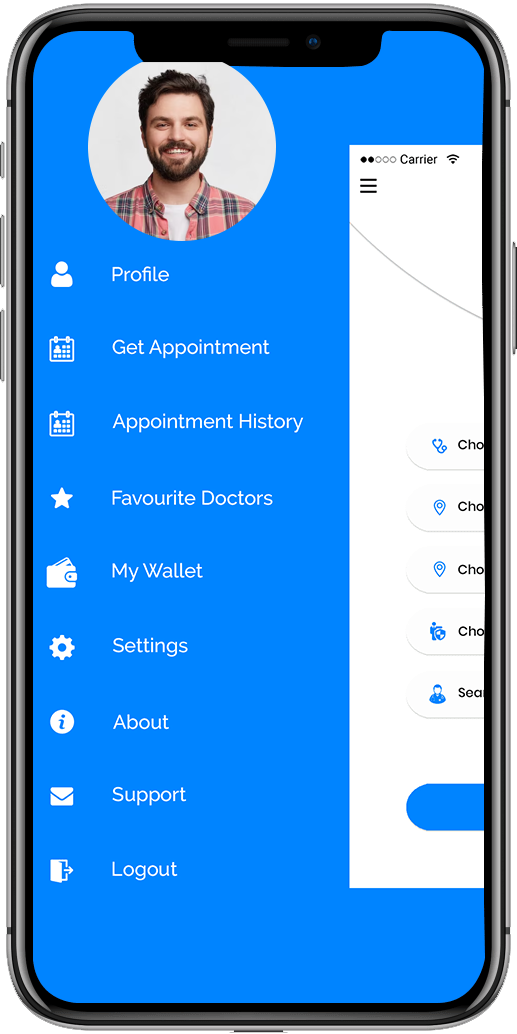
Sidebar option:

Contains many sidebar options for easy-to-use experience with a simple and attractive UI / UX.

App Navigation Menu for Patients
Patient Profile Edit Screen

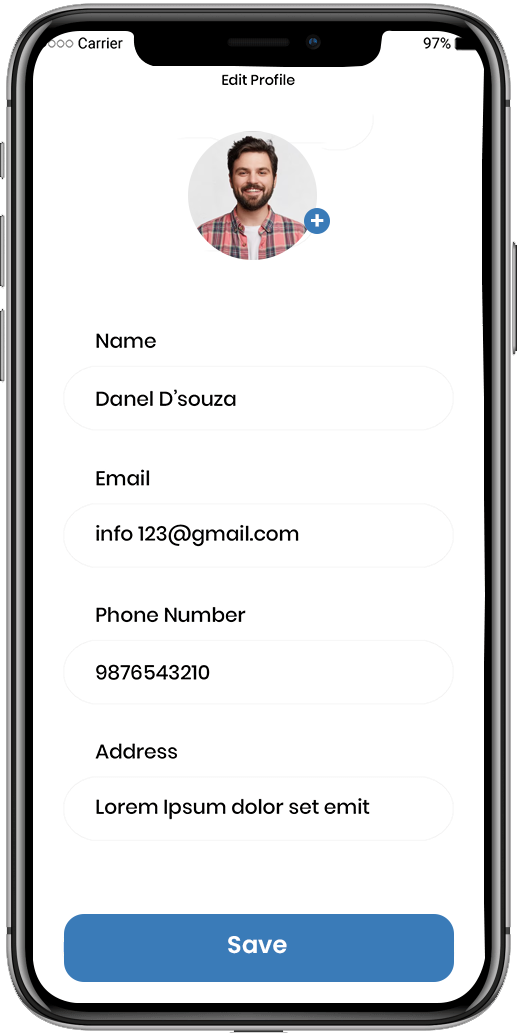
Edit profile:

Users can change information such as their name, age, city, gender, and so on.

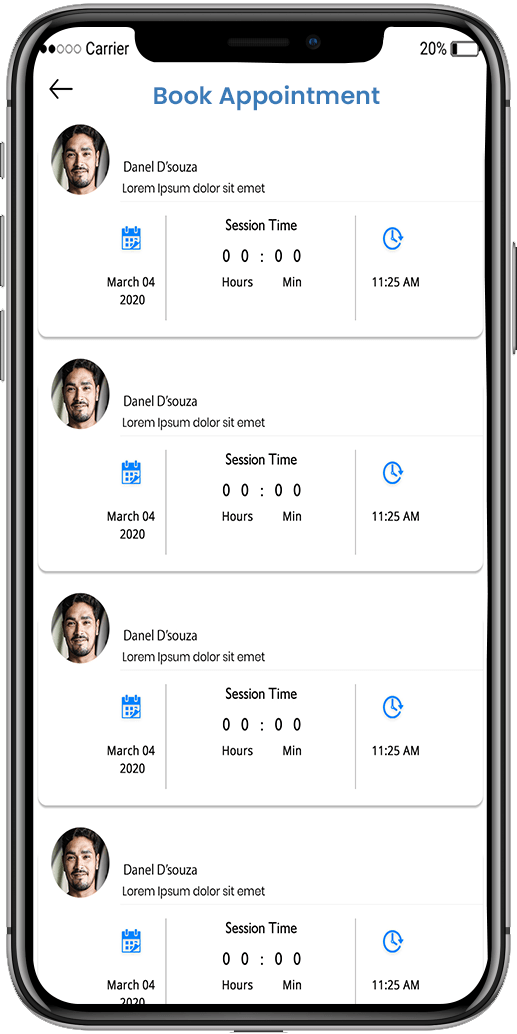
Appointment history:

Users have access to his appointment history.

Online Appointment Booking Screen
Billing and Payment Summary Screen

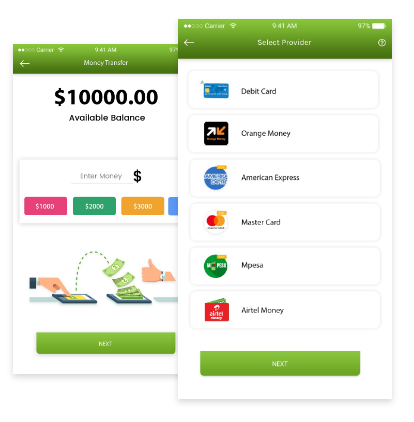
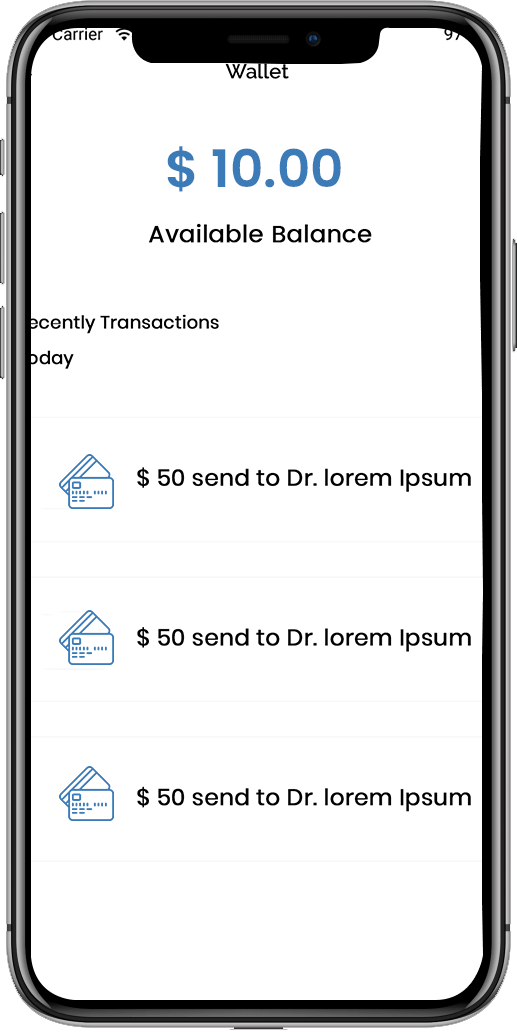
Available Balance:

The user can view his or her wallet's available balance.

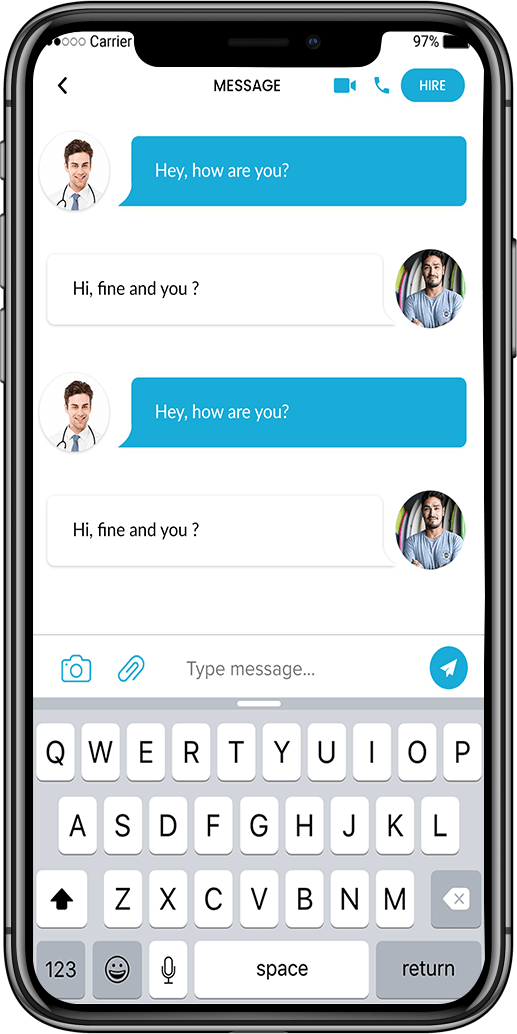
Message:

From one messenger to another, a good channel of communication exists between the doctor and the patient.

Treatment Plan Overview Screen
Secure Patient Messaging Feature

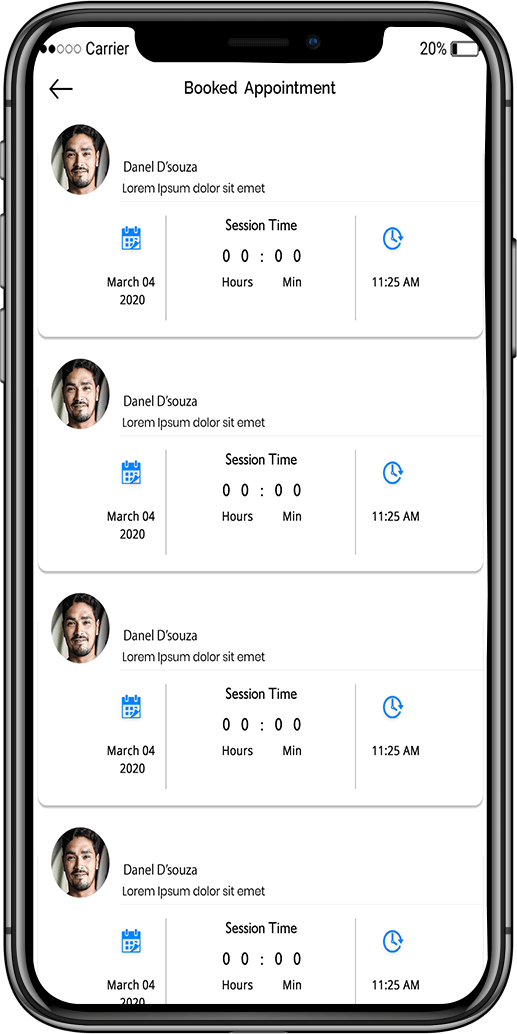
Booked appointment:

Users need to have a list of appointments based on physician availability, as well as the opportunity to edit or submit them.

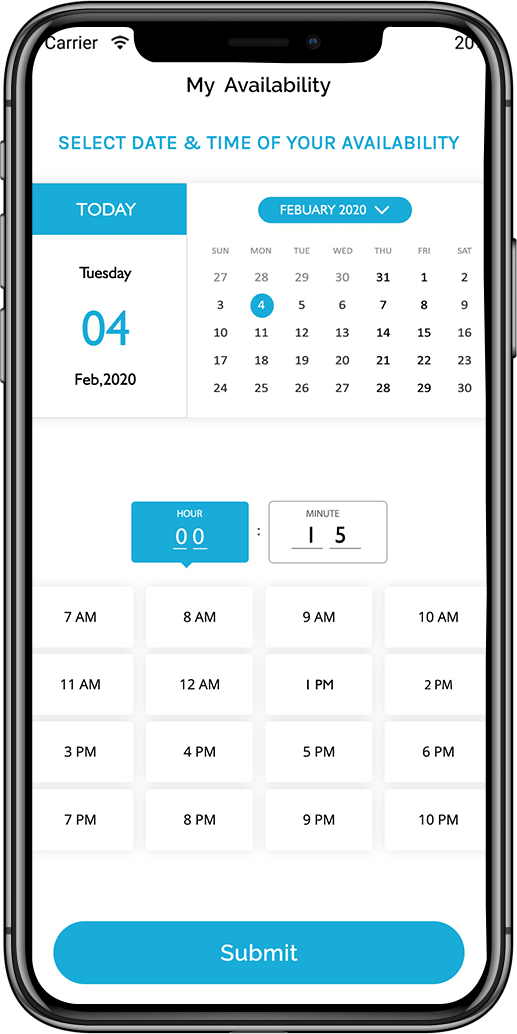
My availability:

Users can check their doctor's availability and alter their appointments accordingly.

Appointment History Screen
Notifications and Alerts Screen

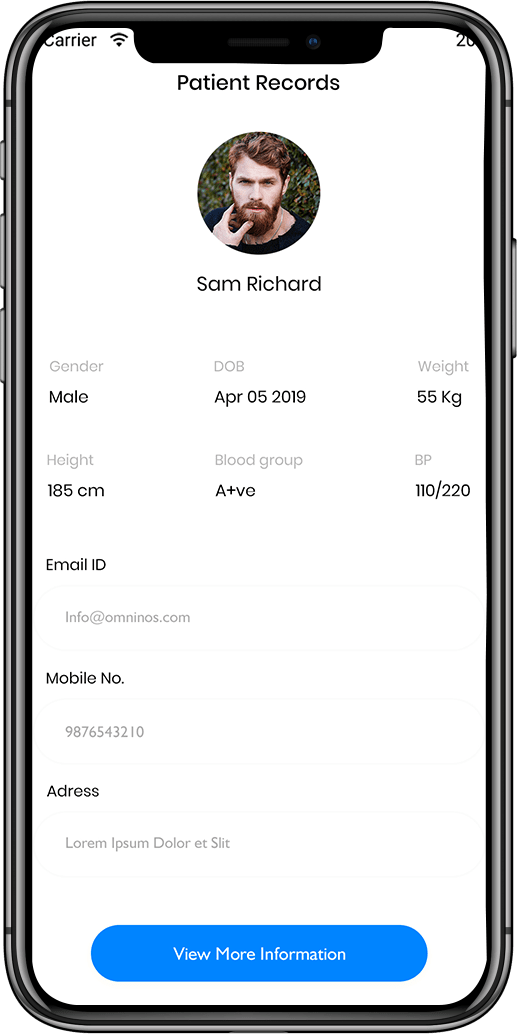
Patient records:

Ap Patient clone applications make it easier for staff to access and maintain patient or medical data.

Clinical notice:

The Ap Patient clone app can provide health services in remote areas where clinics are not available.

Mobile Patient Engagement App Interface
Account Settings Screen

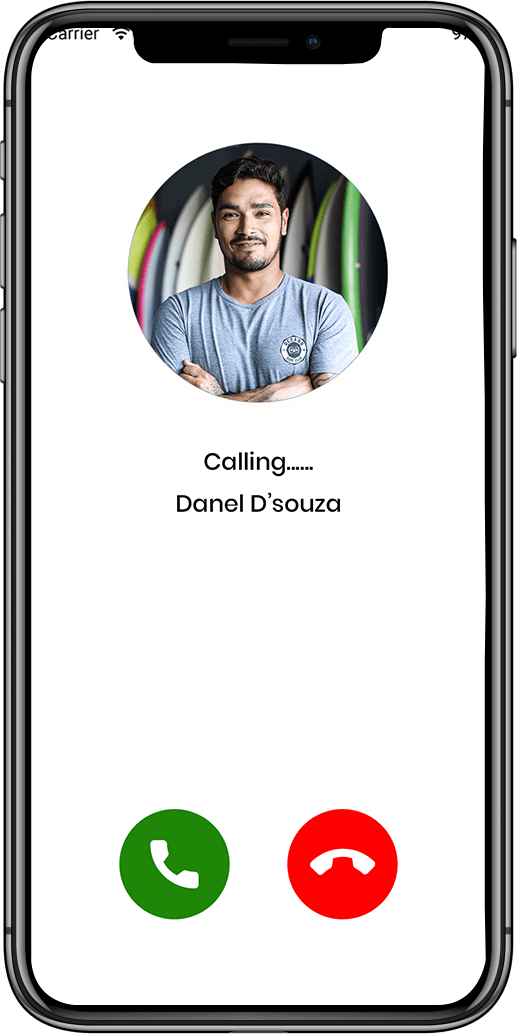
Calling:

The programme has the ability to make emergency calls. .

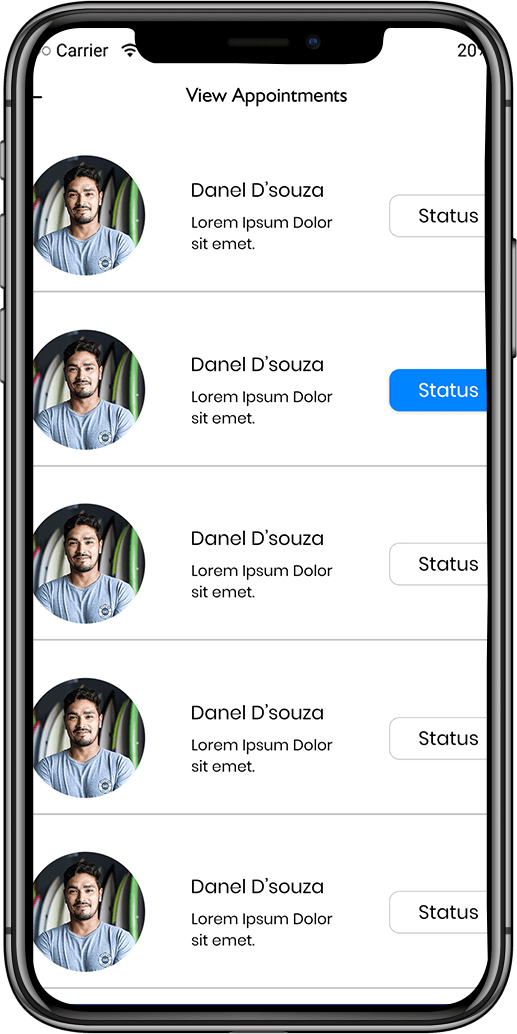
View appointment:

A Ap Patient clone app development solution can assist with follow-up consultations, reviewing doctor tp, and viewing appointments.

Logout and Security Options

FAQ - Frequently Ask Question

It is a secure email platform inspired by Tuta Mail, built with full encryption and privacy controls.
o. The zero-knowledge encryption model prevents platform access to email content.
Yes, users can register without personal identifiers.
Yes, it supports individual, team, and enterprise-level deployments.

Schedule - With Us Now