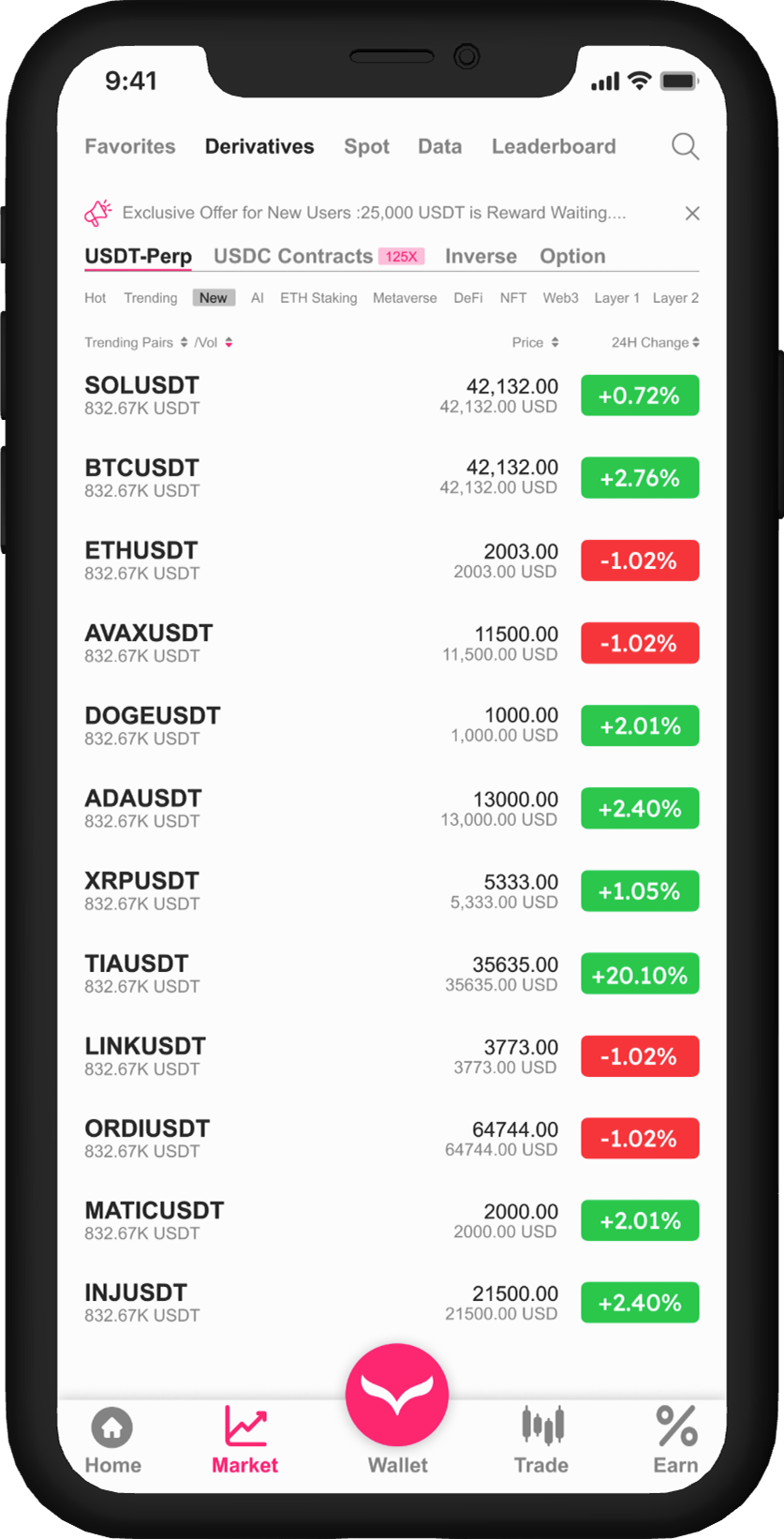

The OZÉ business app clone script is a customizable business management platform designed to help entrepreneurs and small enterprises digitize their daily financial operations. It provides tools for tracking income, managing expenses, generating invoices, and monitoring overall business health from a single, easy-to-use dashboard This white-label business management app script is ideal for businesses involved in small business software development, financial tracking apps, and SME digital solutions. It reduces dependency on spreadsheets and manual bookkeeping by offering a structured, real-time financial overview tailored to non-technical users.
The platform combines simplicity for business owners with powerful backend tools for administrators.
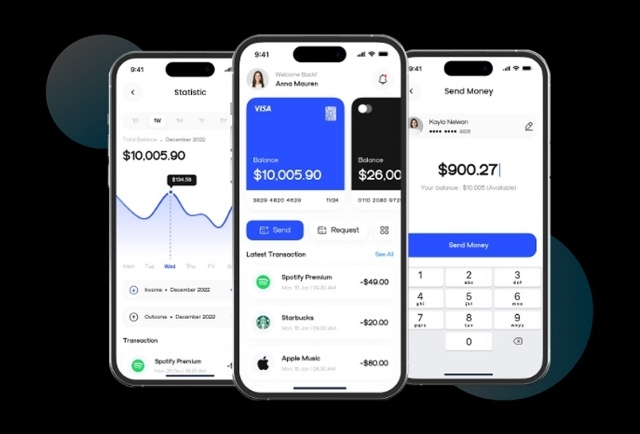

The OZÉ business app clone script delivers measurable value by simplifying financial management and improving decision-making for small and growing businesses.
Enables business owners to manage daily finances without accounting expertise, minimizing errors and reducing operational complexity.
Real-time dashboards offer clear insights into income, expenses, cash flow, and overall business performance.
Automated expense tracking and financial reports reduce manual work, allowing owners to focus on growth and core operations.
Actionable financial insights help entrepreneurs make informed choices around pricing, budgeting, and investments.
Built to grow with the business, the platform supports increasing transaction volumes, users, and feature expansion.
Helps businesses track receivables and payables more effectively, improving liquidity and financial stability.

App includes attractive splash screens.
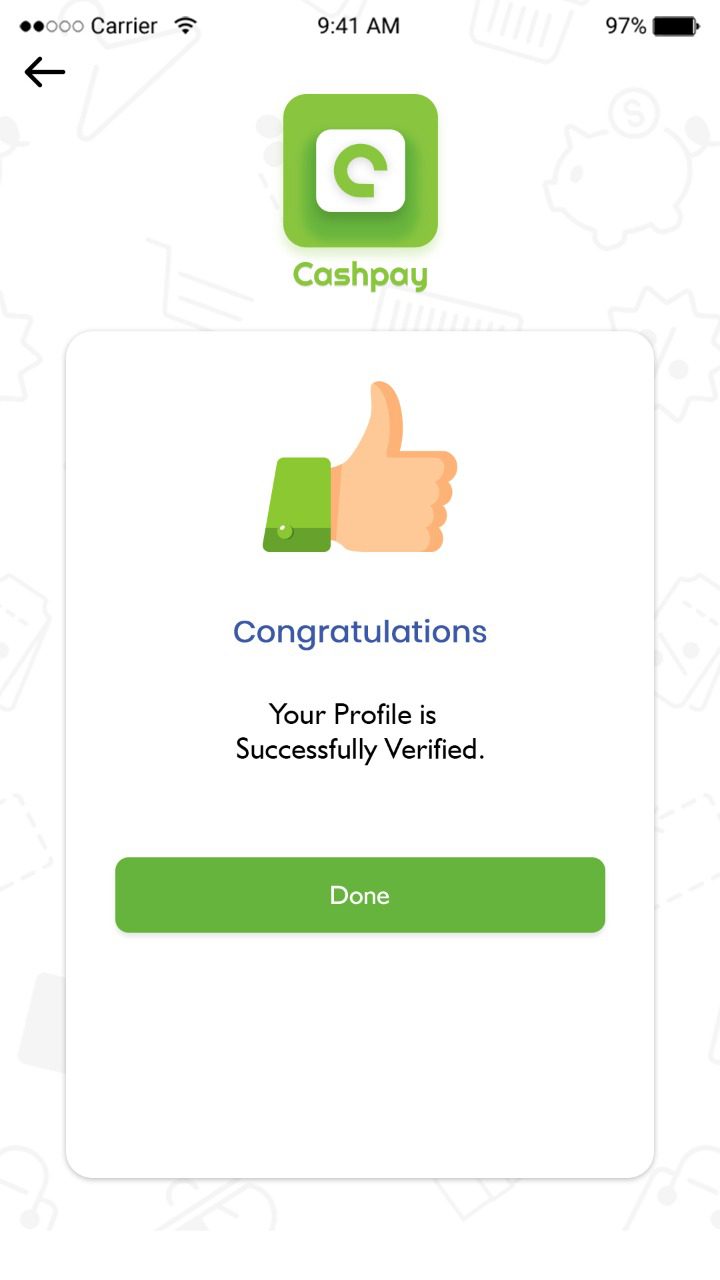
After verification the user will get a congratulations message.
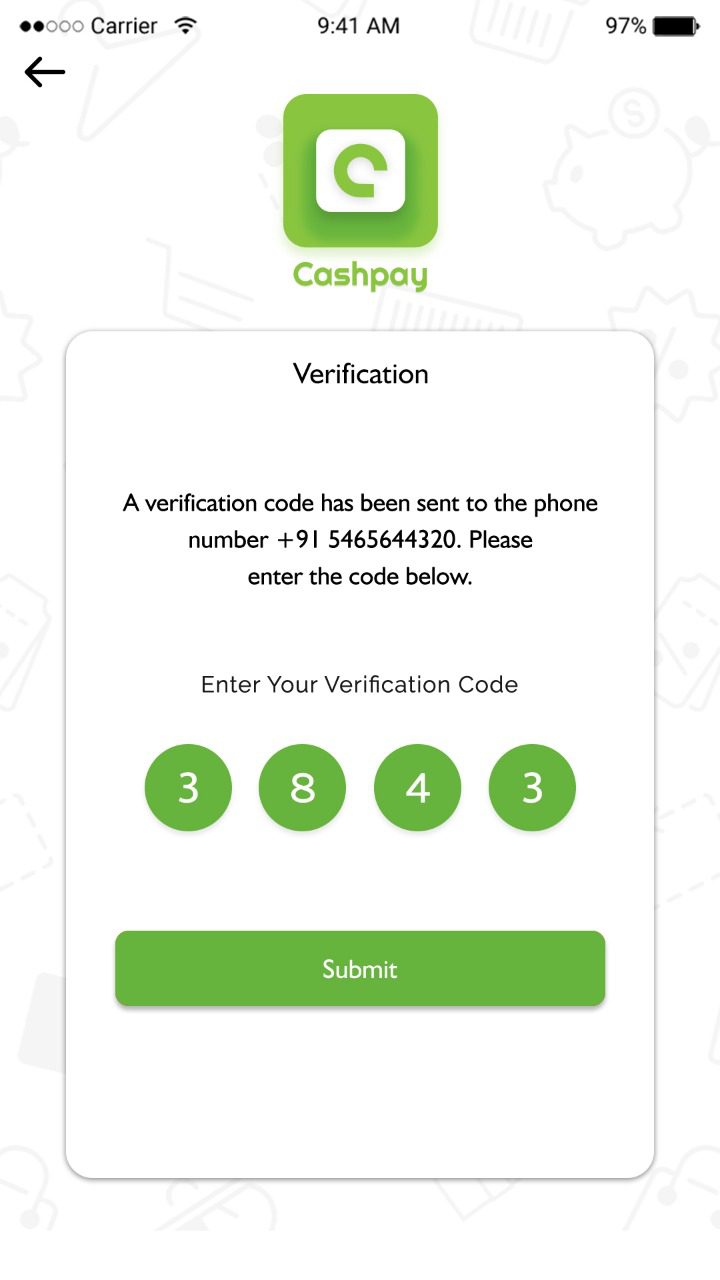
This is the major section of an app; the user can sign-in with the social network or email account credentials.
Home page includes recharge, pay bill, send money, etc
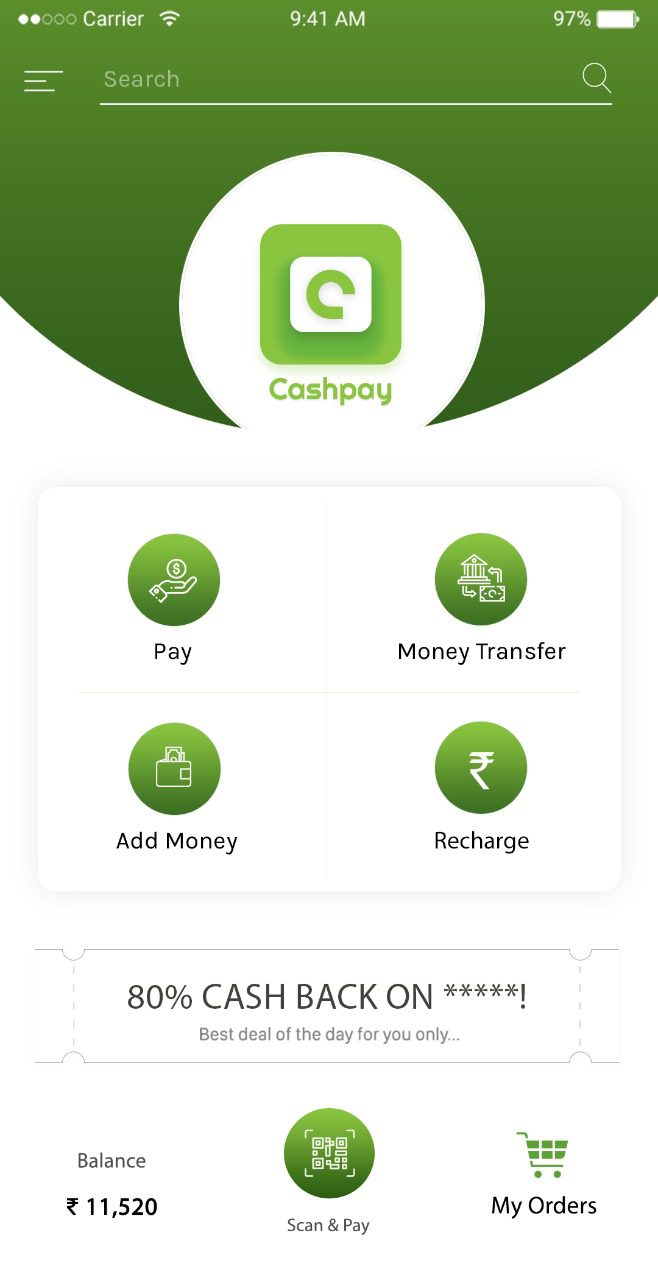
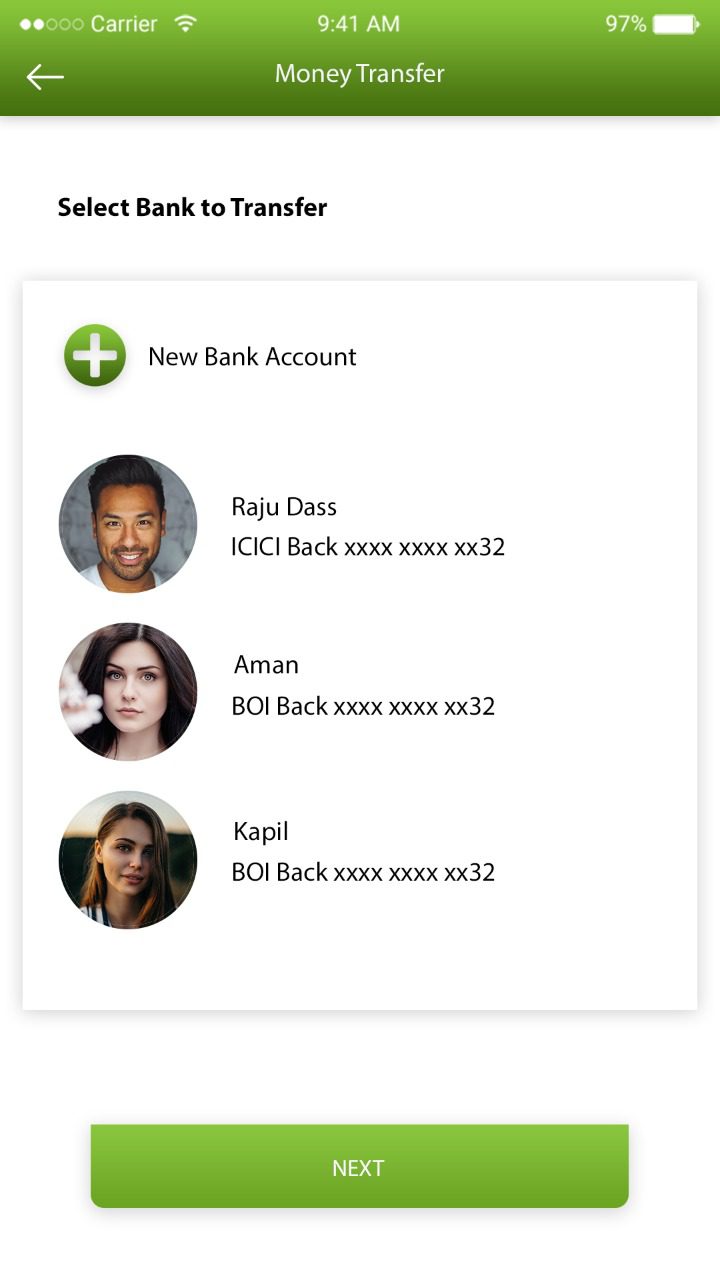
Users can seamlessly transfer money to and from bank accounts.
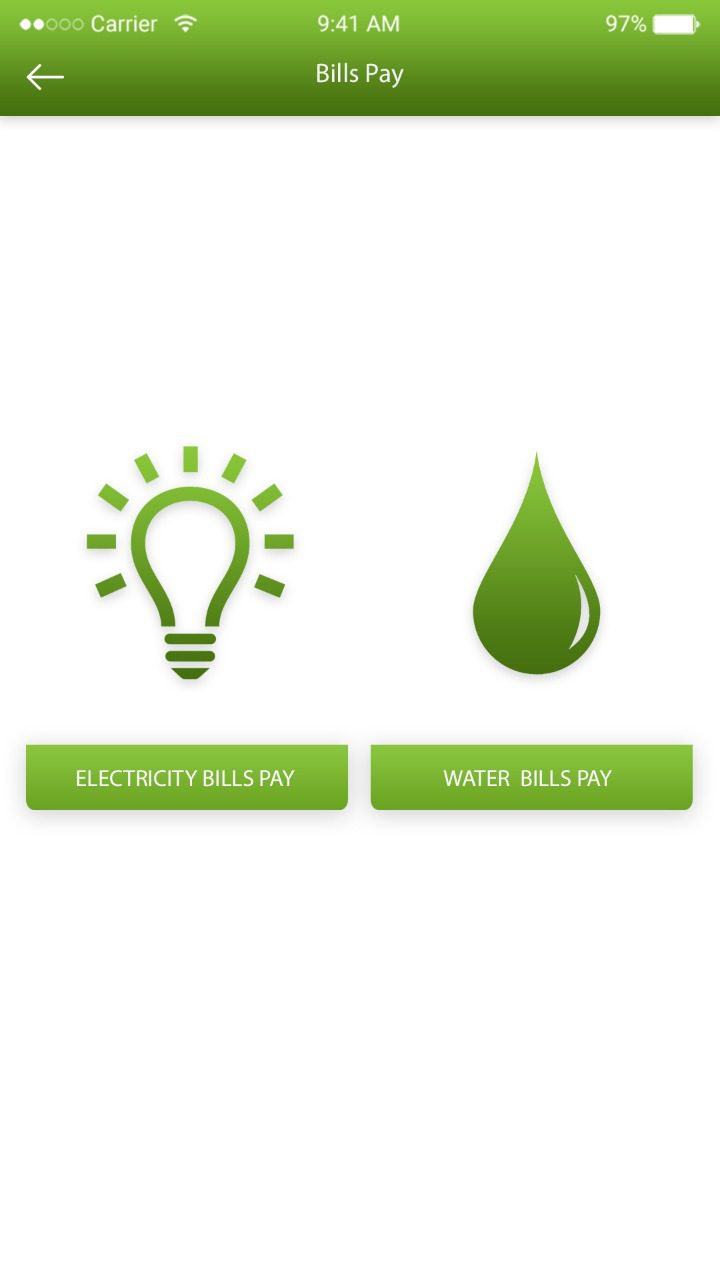
Users can pay the bills via their registered bank accounts so as to maintain track of all the cash flows in a convenient way.
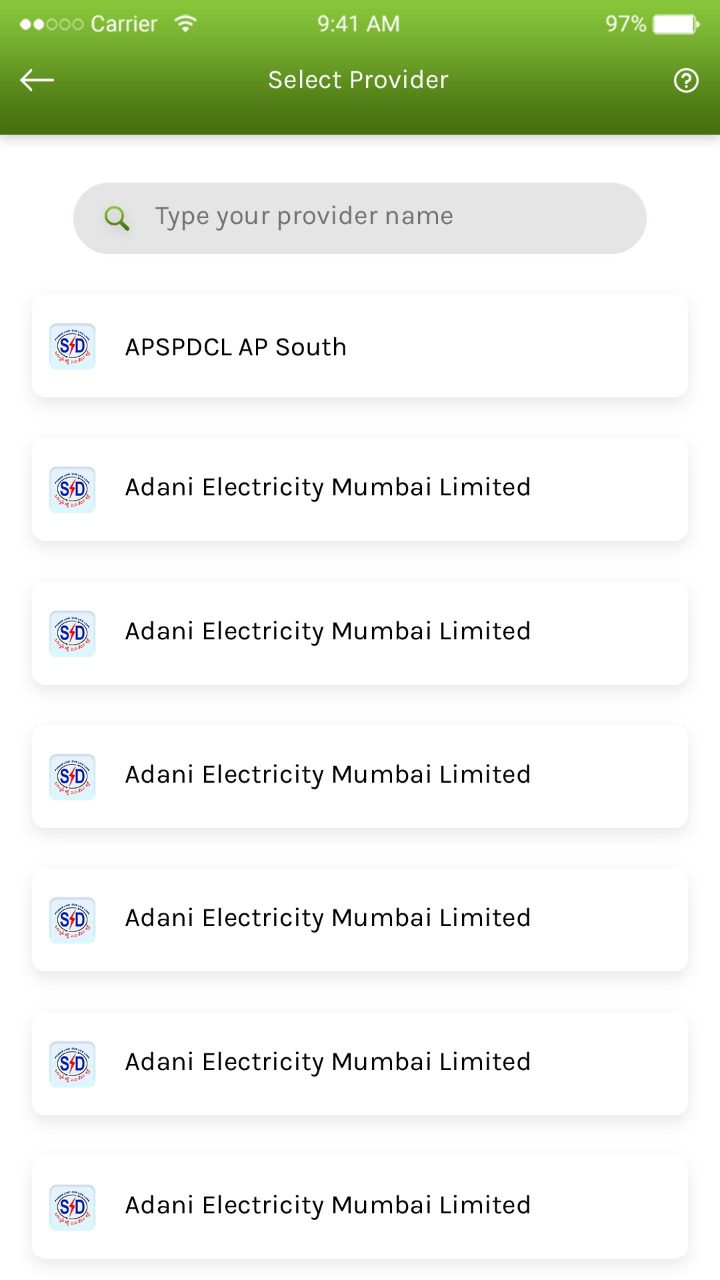
Provider list includes accounts added as beneficiary.
We empower the wallets with a powerful QR code scanner within the mobile payment apps.
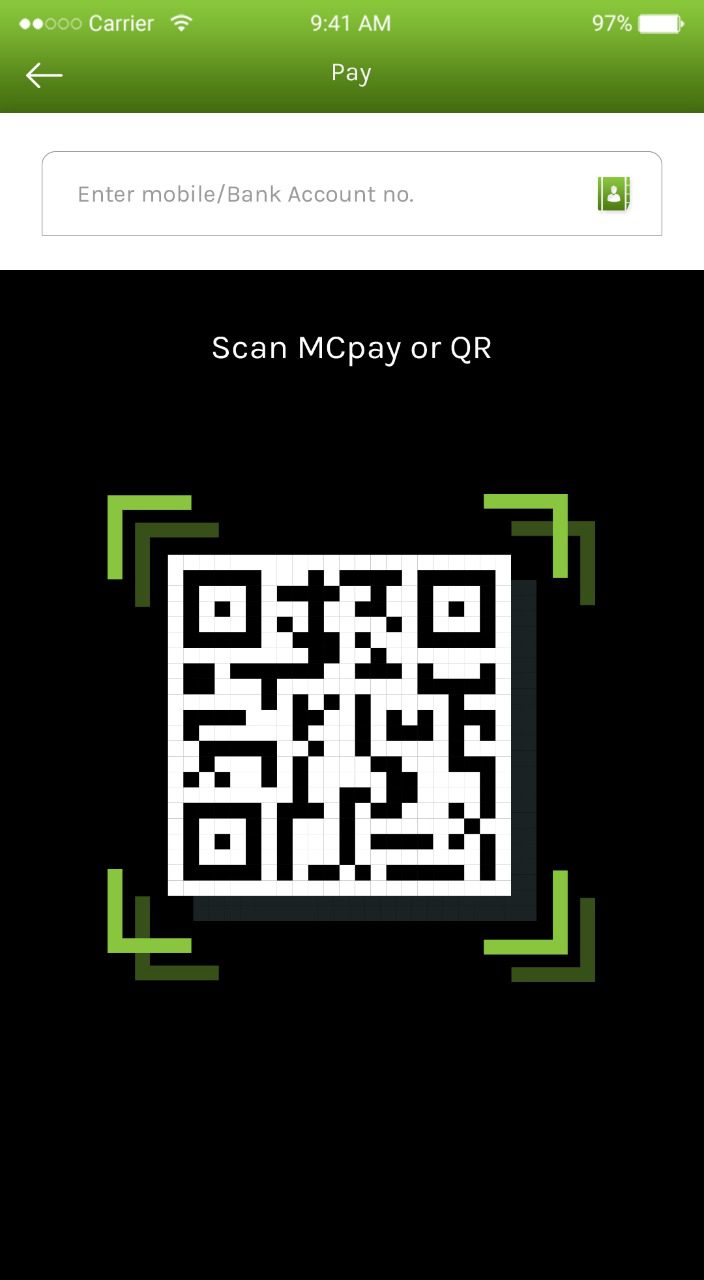
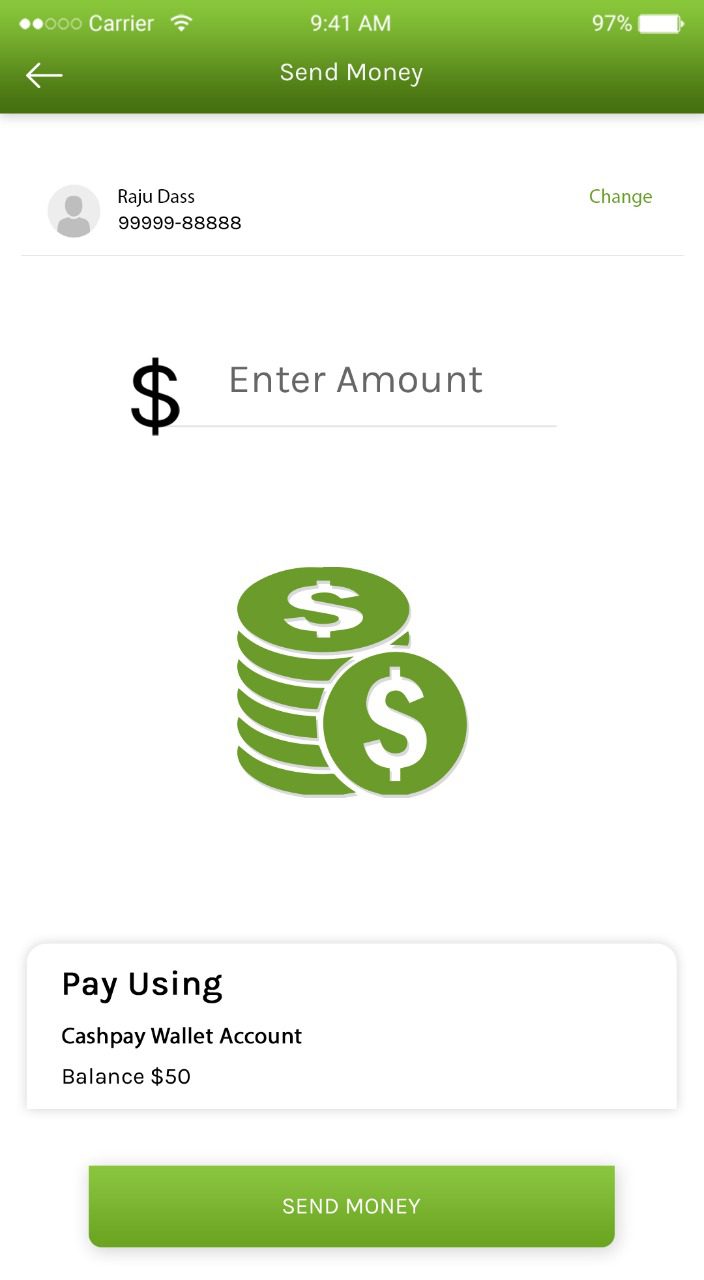
The users can make use of the advanced eWallet app for paying bills at the dedicated shopping centers.
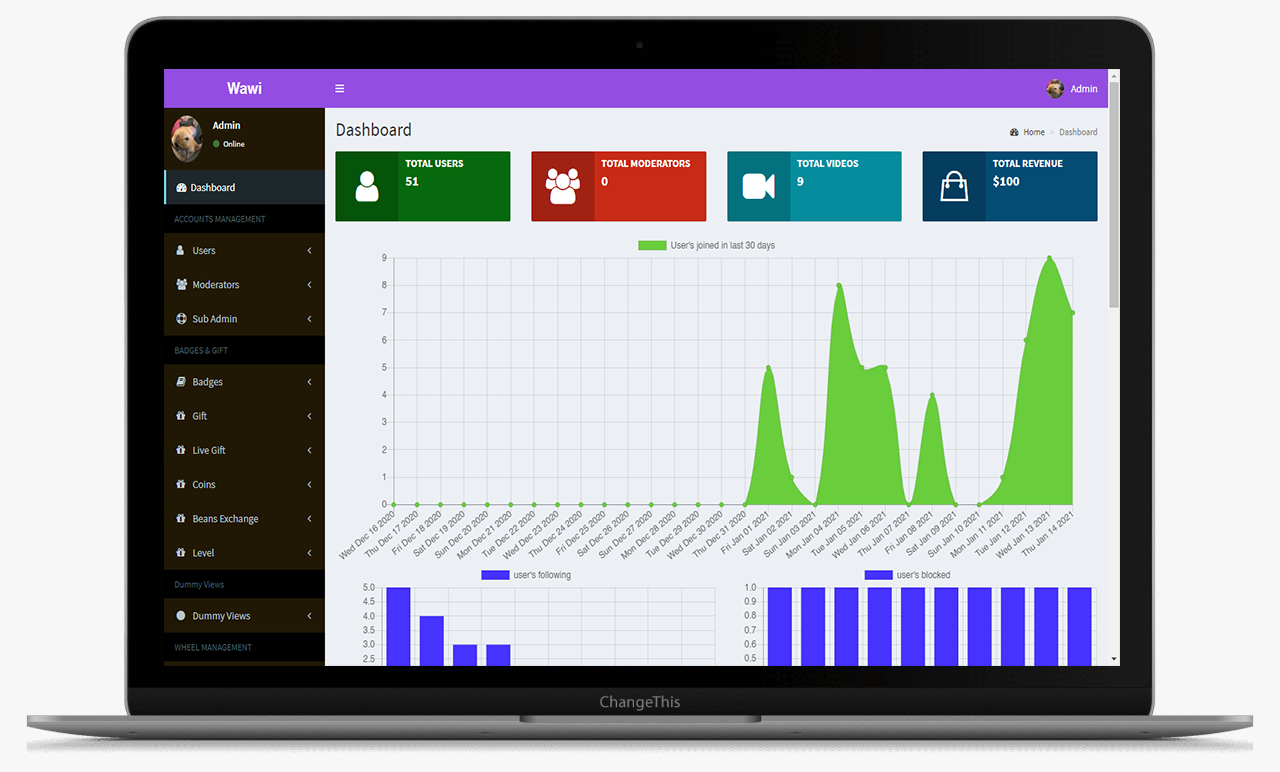
This is the main Dashboard of the admin panel, Where we can see all the modules, Chart and Side menu.
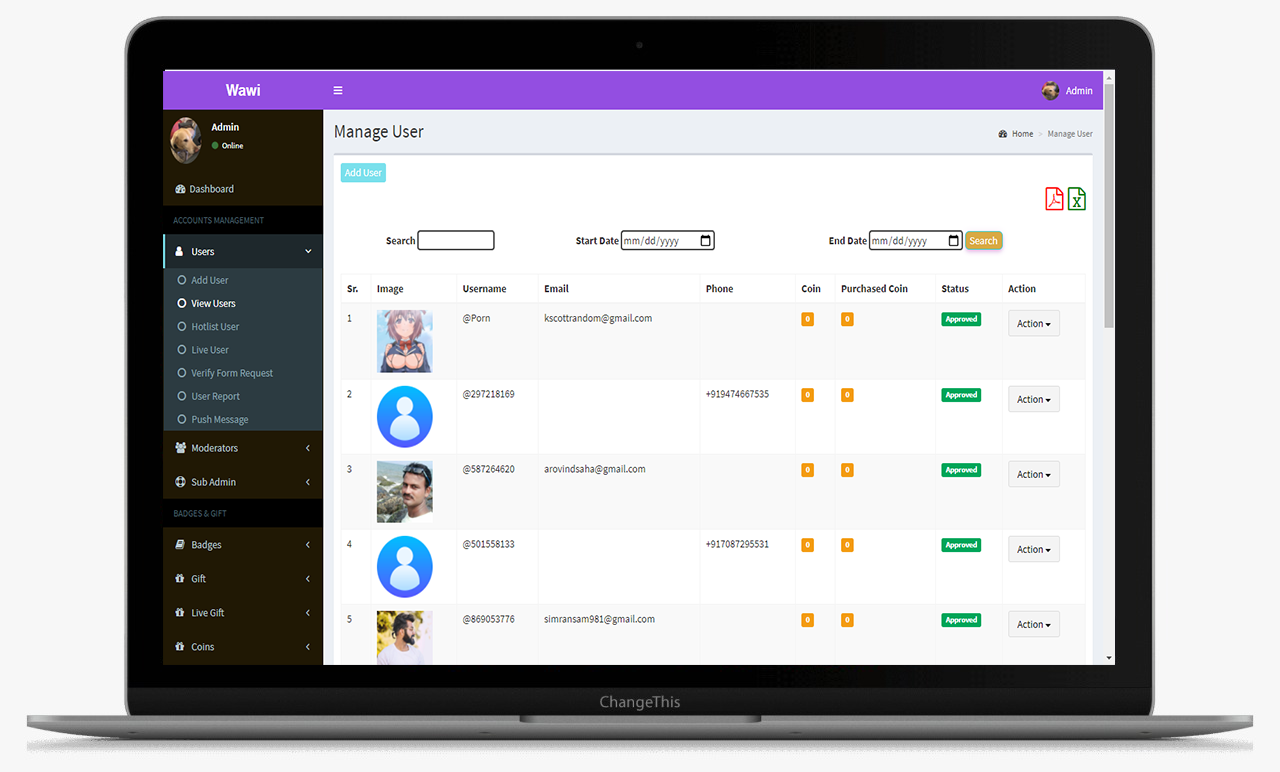
From this screens Admin can manage the hashtags
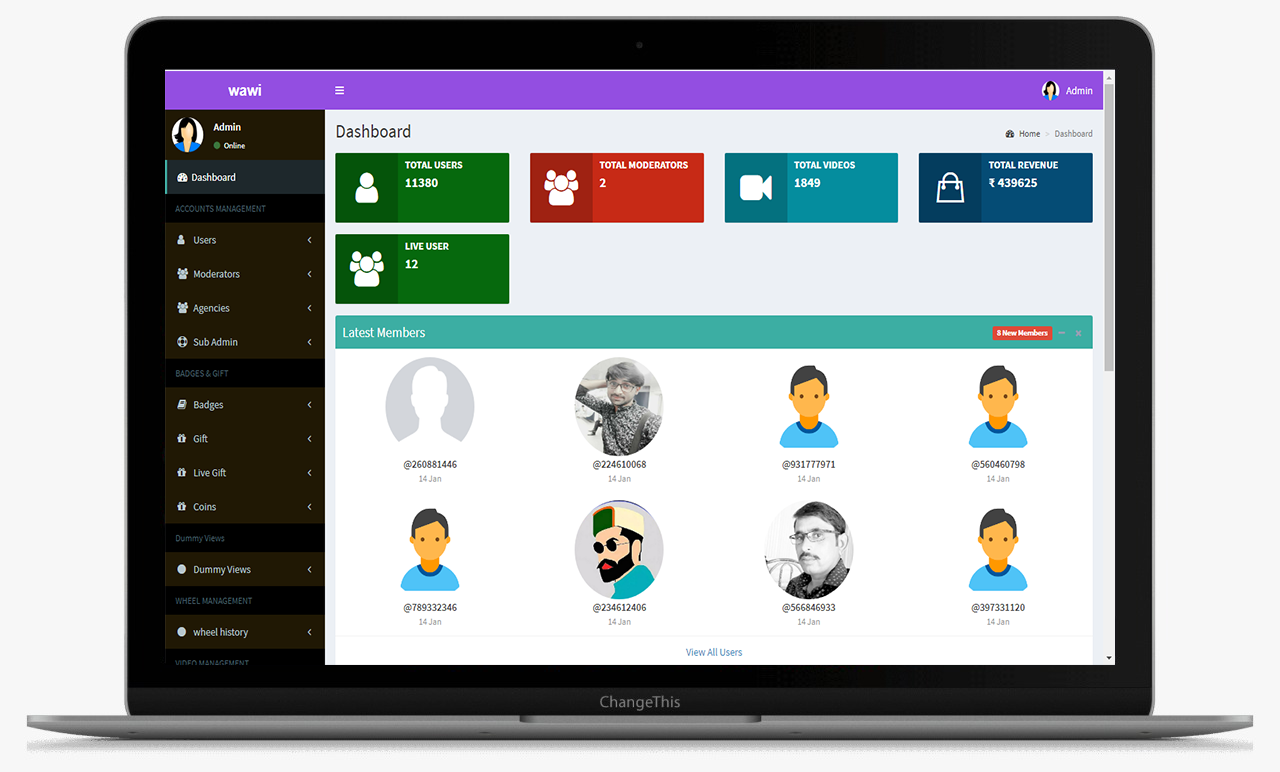
This is the main Dashboard of the admin panel, Where we can see all the modules, Chart and Side menu.
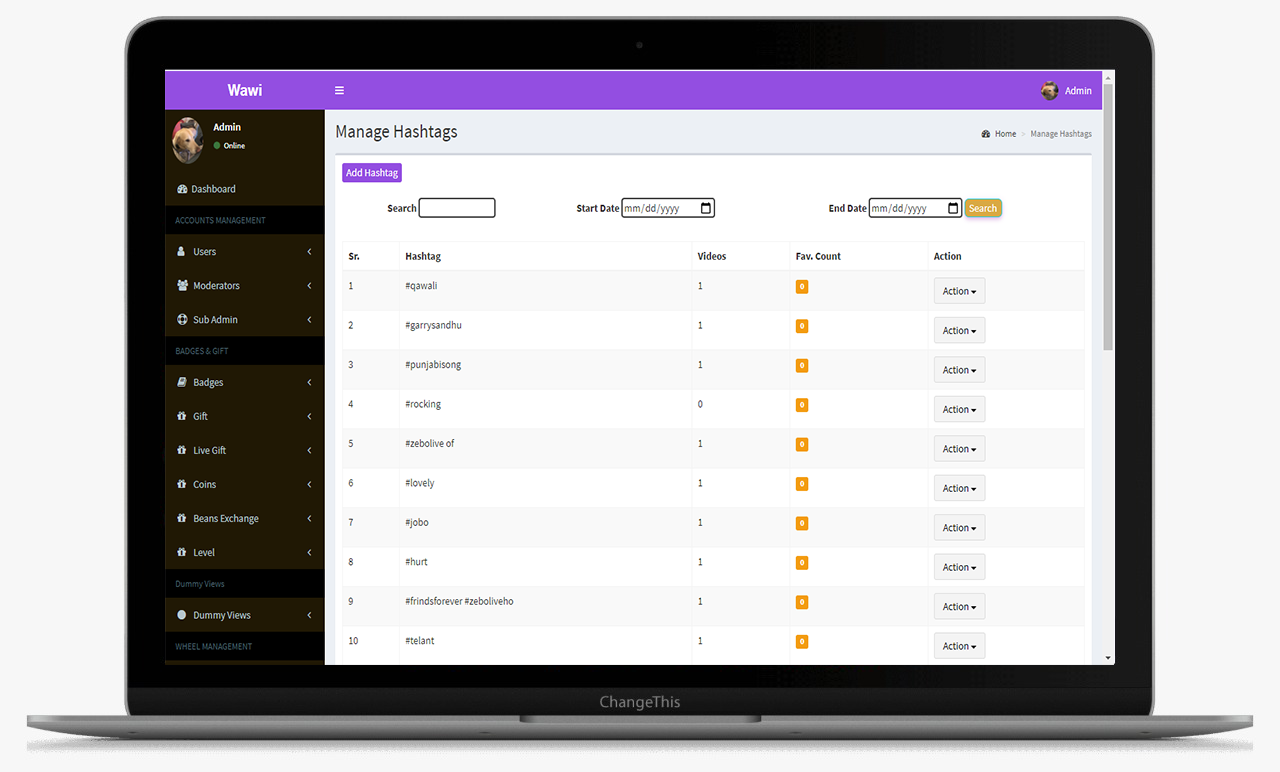
This is the main Dashboard of the admin panel, Where we can see all the modules, Chart and Side menu.
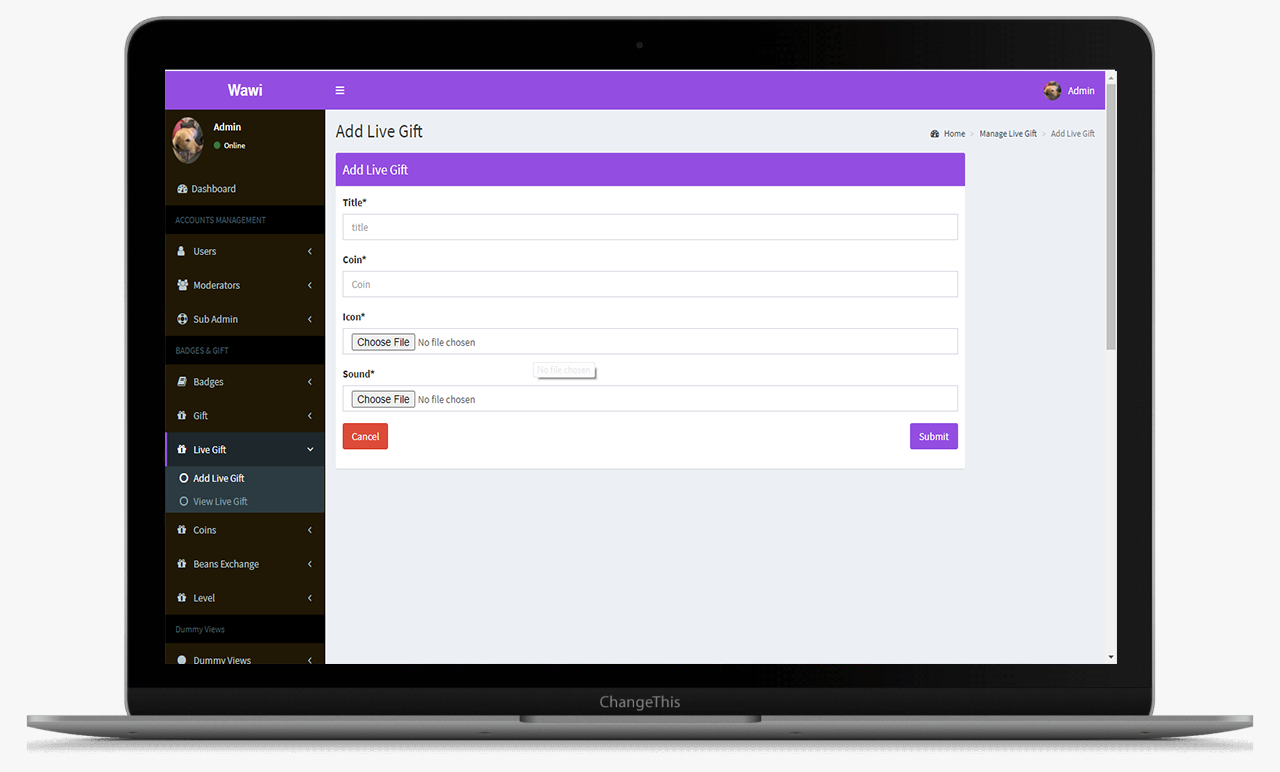
This is the main Dashboard of the admin panel, Where we can see all the modules, Chart and Side menu.
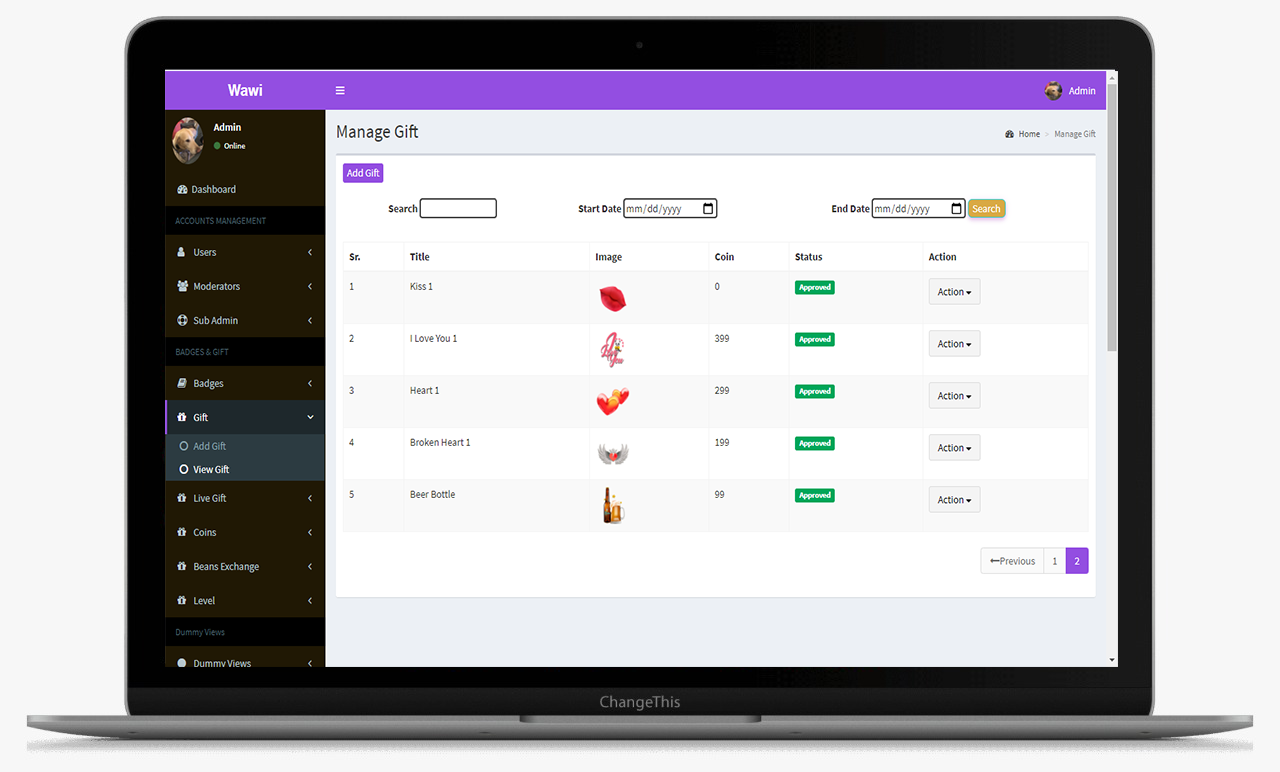
This is the main Dashboard of the admin panel, Where we can see all the modules, Chart and Side menu.

The matches tab gives an insight into who's the initiator of the match. Share the contact and profile details of the opposite user. It also gives the time stamp on when the match occurred.
This data log is maintained for each user who has initiated or become friends with any other user on the platform.
Gives detail of all the transactions that take place. It includes the coins that the user has bought, spent as well as the coins that he/she has earned.
This section displays the complete transfer logs of the users along with the transaction id and names of the sender and receiver.
Displays the withdrawal details. The users can withdraw the coins they have in their earning wallets into actual currency.