Xero Clone Script | Accounting, Invoicing & Expense Management App Development

Build a powerful cloud-based accounting and bookkeeping platform like Xero that helps businesses manage invoices, expenses, receipts, cash flow, and financial reports from anywhere.

 Overview of OFX clone app features for global transfers

Overview – Xero Clone App Development

The Xero Clone Script is a ready-made accounting and bookkeeping solution designed to replicate the core functionality of the Xero accounting app. It allows businesses to create and send invoices, track expenses, reconcile bank transactions, and monitor cash flow in real time through mobile and web platforms.
This solution is ideal for small businesses, accountants, bookkeepers, startups, and enterprises looking to offer an all-in-one accounting, invoicing, and expense management platform.
Why Choose Our Xero Clone Script?

All-in-One Accounting Solution

Provide invoicing, expense tracking, receipt management, cash flow monitoring, and bookkeeping tools in a single unified platform.

Mobile-First Business Accounting

Enable users to manage accounting tasks anytime, anywhere using mobile apps without depending on desktop software.

Automated Bookkeeping Workflows

Reduce manual accounting work with automated reconciliation, smart categorization, and real-time transaction tracking

Scalable for Growing Businesses

Designed to support freelancers, small businesses, and enterprises with the ability to scale users, data, and features.

Secure & Reliable Architecture

Built with data encryption, secure access controls, and role-based permissions to protect sensitive financial data.

Powerful Admin & Control Panel

Modify features, workflows, dashboards, and integrations to match your banking model and operational requirements.

Key Features of Xero Clone App

Invoice & Quote Management

Users can create, send, edit, and track invoices and quotes directly from the app, convert quotes into invoices, and monitor payment status in real time.

Cash Flow & Financial Reports

The platform provides real-time visibility into cash flow, profit and loss reports, and accounting performance using clear dashboards and insights.

Expense & Receipt Tracking

Users can log expenses instantly, upload receipts by snapping photos, and keep all business spending organized digitally.
 Overview of OFX clone app features for global transfers
 Overview of OFX clone app features for global transfers

Bank Reconciliation

Smart reconciliation tools help users match bank transactions with invoices and expenses quickly, reducing errors and manual effort.

Customer & Supplier Management

Store and manage customer and supplier details, track outstanding balances, and maintain notes to simplify communication and bookkeeping.

Secure Payment & Transaction Tracking

Track invoice views, payments, overdue status, and transaction history to ensure complete transparency and control over business finances.

What We Offer in Xero Clone Script

Android & iOS Mobile Applications
Feature-rich mobile apps that allow users to manage invoices, expenses, and accounting data with a smooth and intuitive experience.
Web-Based Accounting Dashboard
A responsive web platform where users can access reports, manage bookkeeping, reconcile accounts, and oversee finances from any device.
Admin & Sub-Admin Panel
A centralized backend system to manage users, permissions, accounting data, reports, and platform settings efficiently.
Invoicing & Billing Module
Comprehensive invoicing tools including quotes, recurring invoices, payment status tracking, and client communication.
Complete Source Code & Deployment Support
Delivered with documented source code, setup assistance, and technical support for smooth deployment and maintenance.
 Overview of OFX clone app features for global transfers

User Application Flow

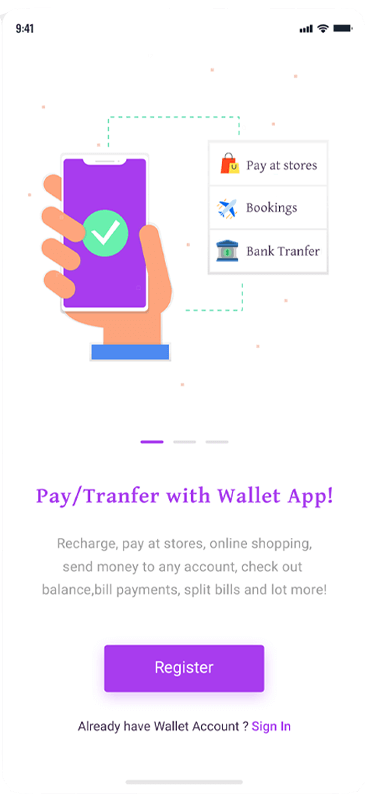
Peer to Peer Payment App Splash Screen

Splash Screen

App includes attractive splash screens.

Congratulations

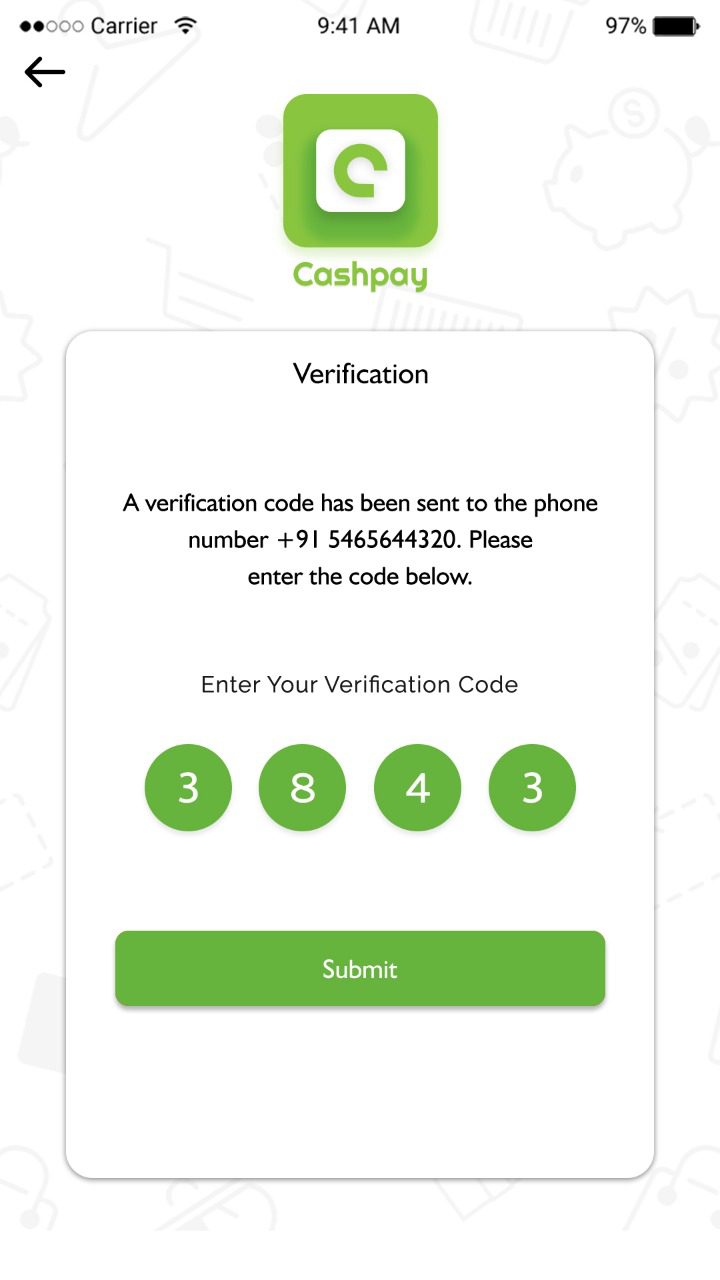
After verification the user will get a congratulations message.

Peer to Peer App Login Interface
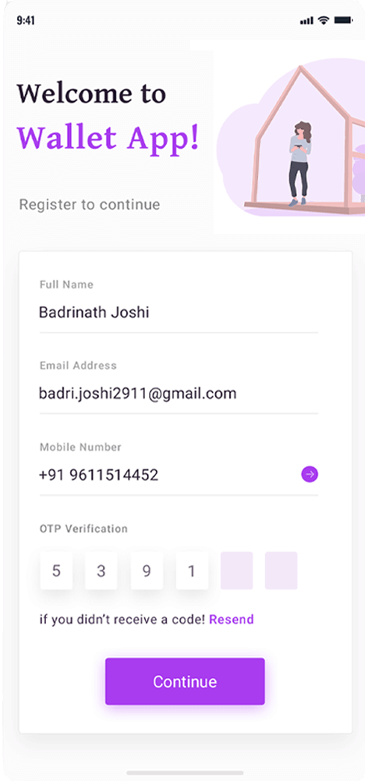
User Verification Screen for Payment App

Verification

This is the major section of an app; the user can sign-in with the social network or email account credentials.

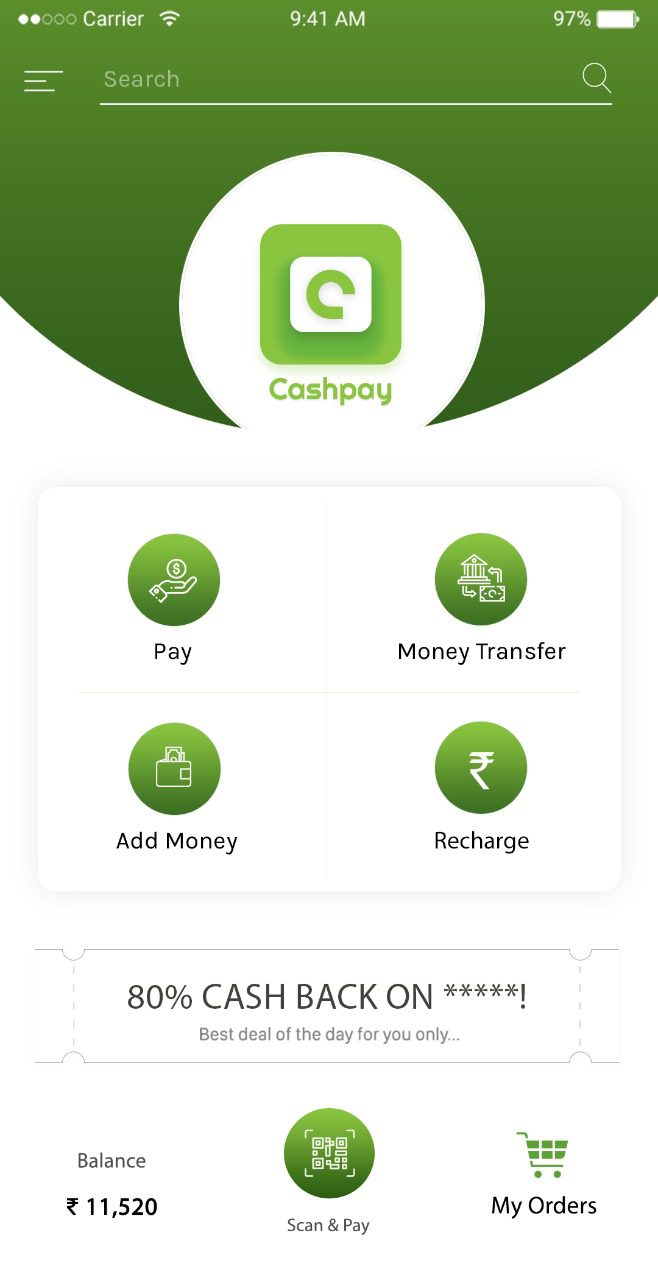
Home

Home page includes recharge, pay bill, send money, etc

Payment App Home Dashboard
Money Transfer Interface in Wallet App

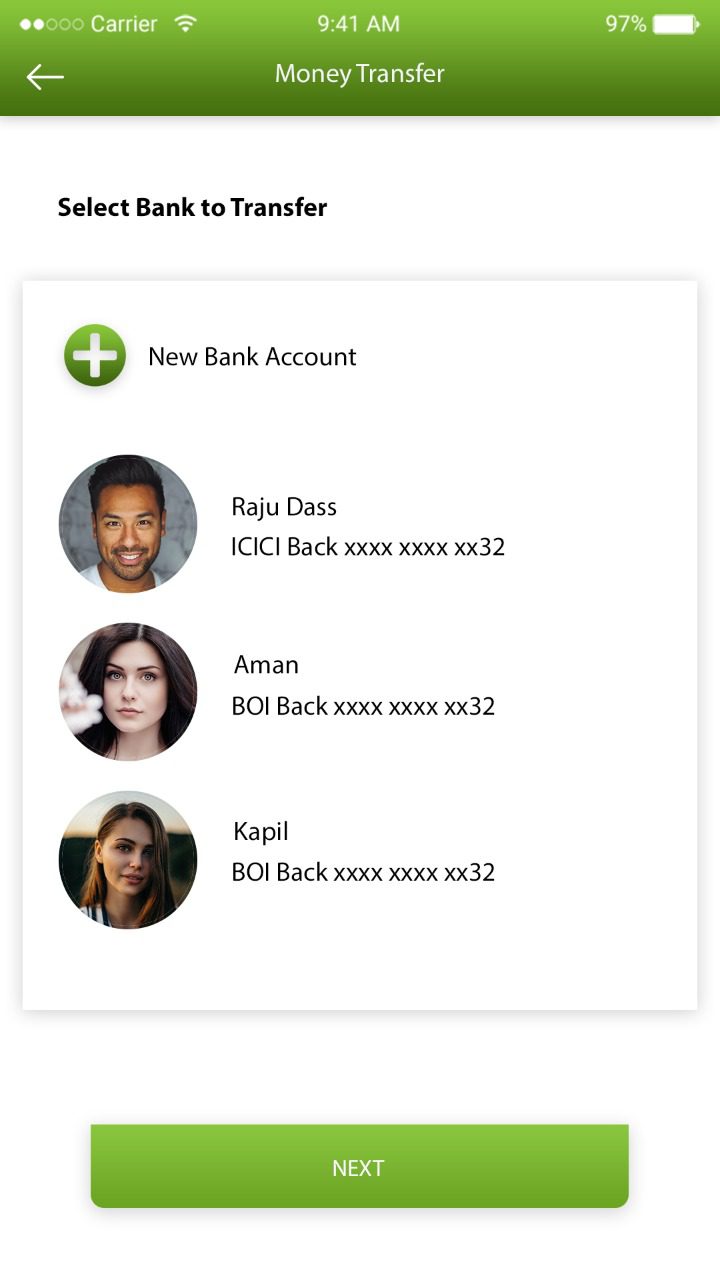
Money Transfer

Users can seamlessly transfer money to and from bank accounts.

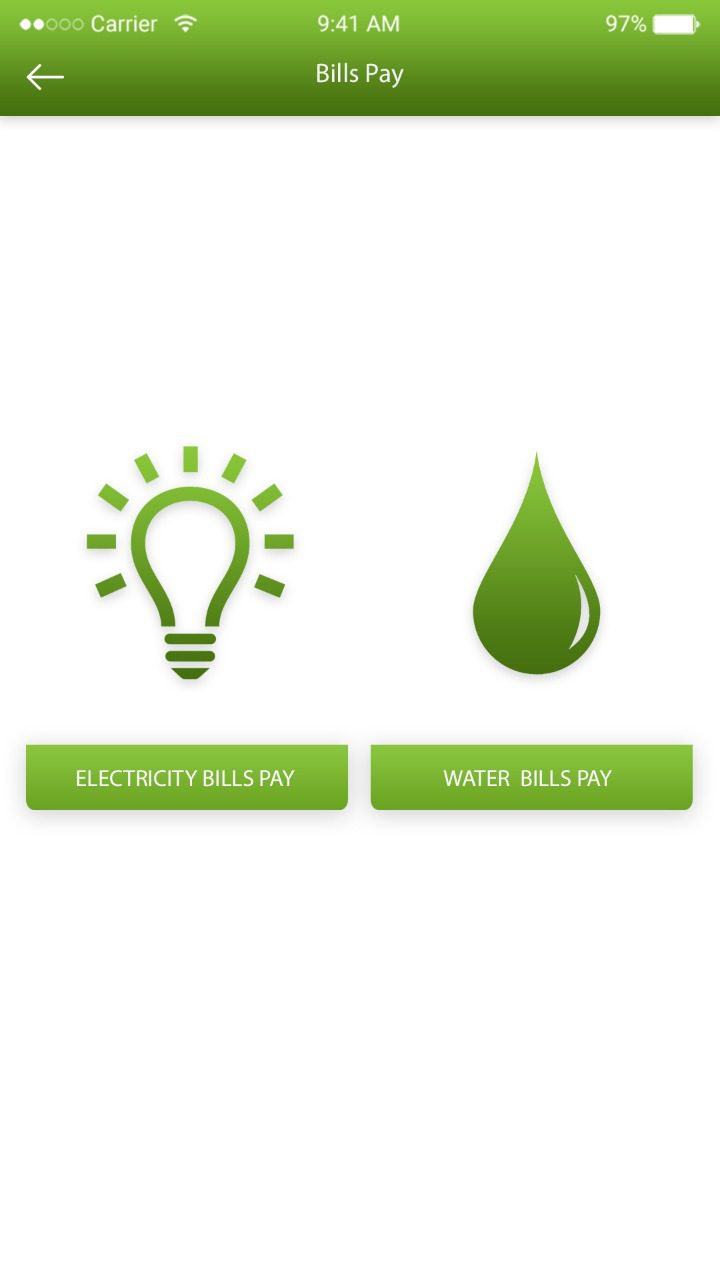
Bills Pay

​Users can pay the bills via their registered bank accounts so as to maintain track of all the cash flows in a convenient way.

Money Transfer Interface in Wallet App
QR Scan Payment Screen

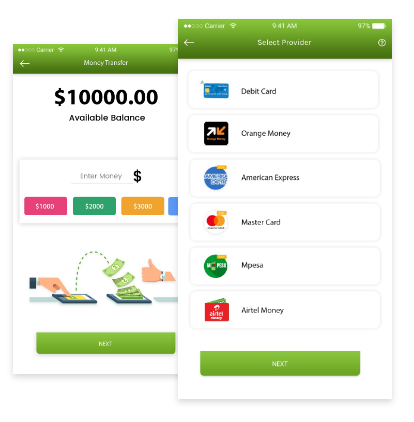
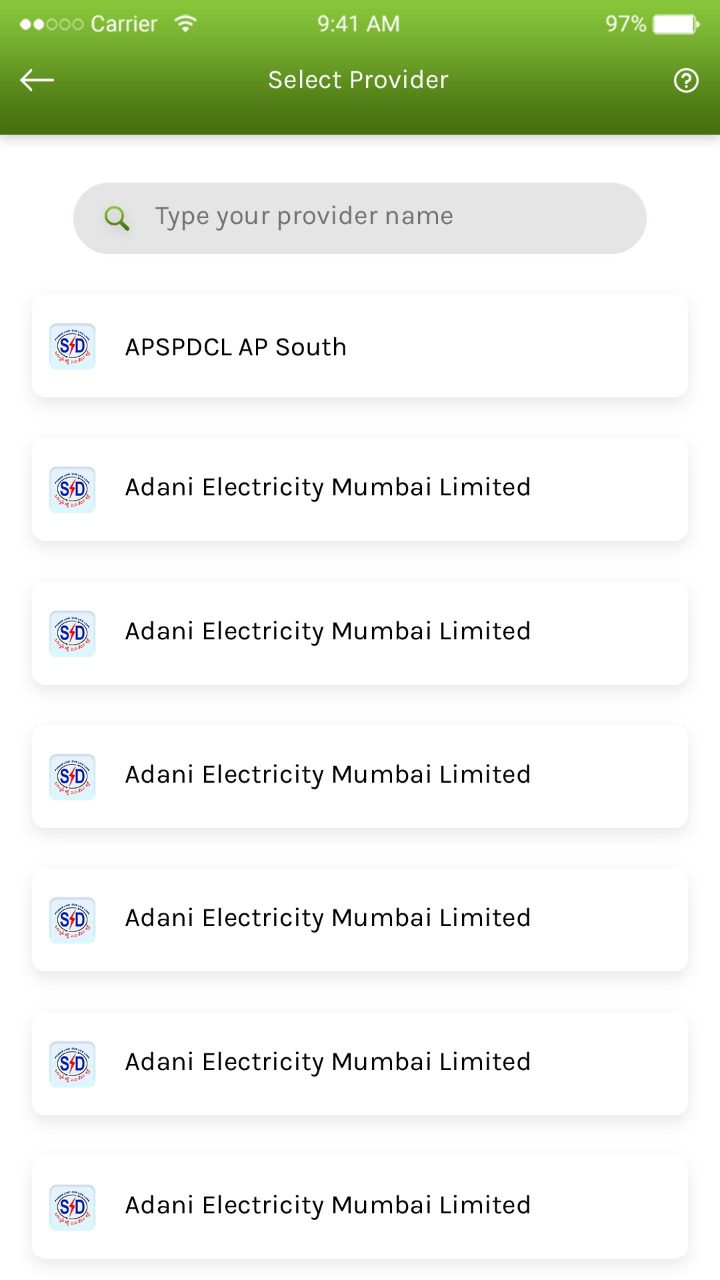
Provider List

​Provider list includes accounts added as beneficiary.

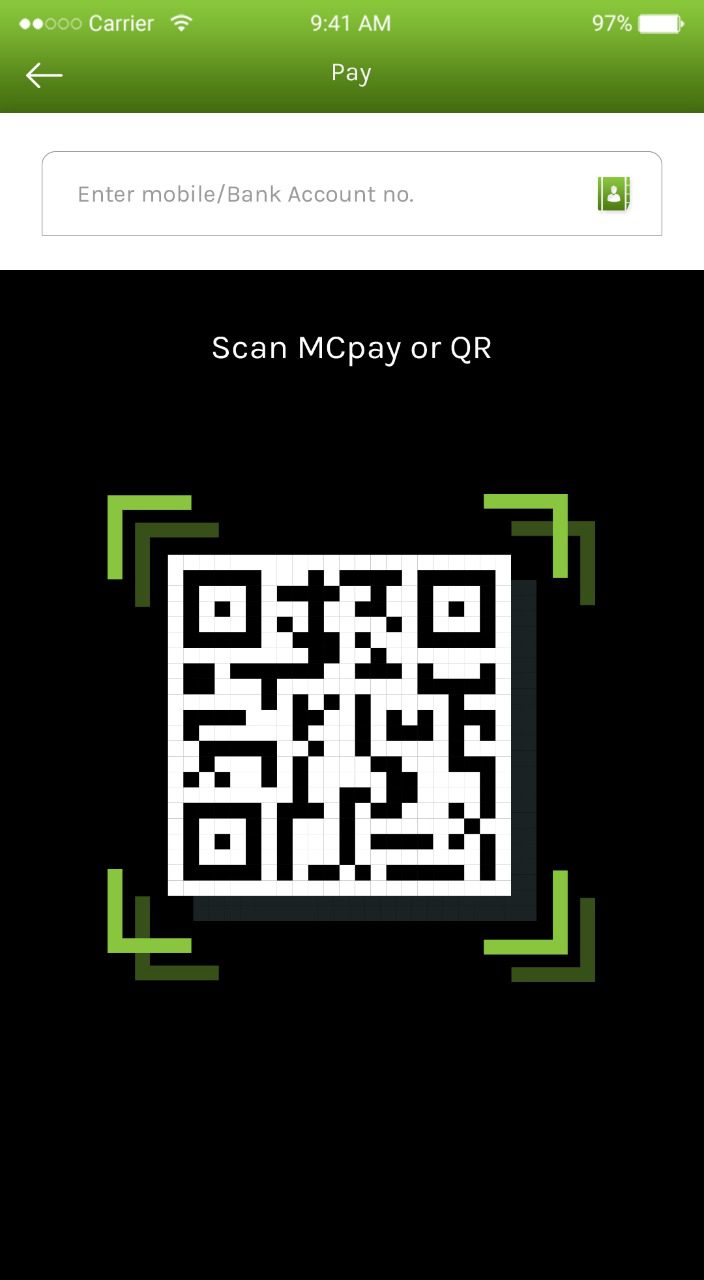
Scan

We empower the wallets with a powerful QR code scanner within the mobile payment apps.

Provider List Interface in Wallet App
Payment Success Confirmation Screen

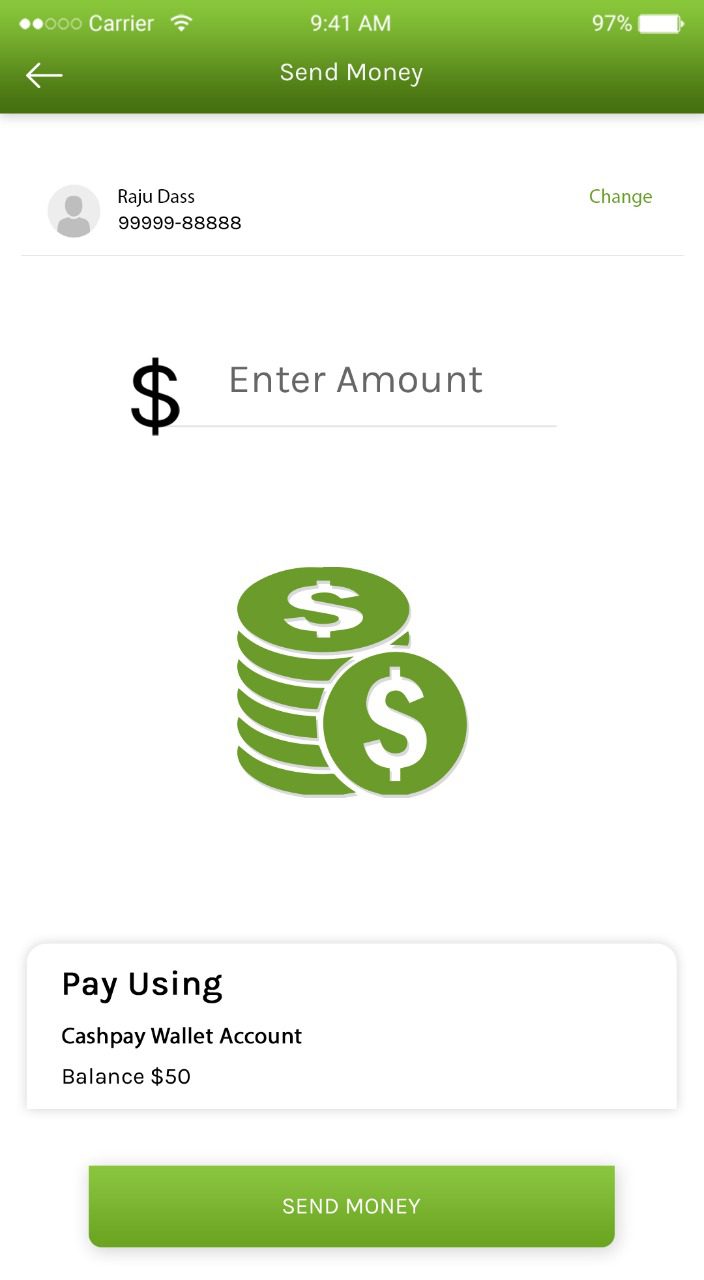
Send Money

The users can make use of the advanced eWallet app for paying bills at the dedicated shopping centers.

FAQ - Frequently Asked Questions

It is a ready-made accounting solution that enables businesses to launch a Xero-like invoicing and bookkeeping platform.
Yes, it supports invoice creation, expense tracking, receipt uploads, and payment status monitoring.
Yes, it is designed for freelancers, small businesses, and growing enterprises.
The system includes encryption, secure access controls, and role-based permissions to protect data.
Yes, installation assistance, documentation, and technical support are provided for smooth setup.

Schedule - With Us Now